Showing posts with label Wesite-Design. Show all posts
Friday, 22 February 2013

10 tips make SEO friendly websites

5 comments

A great website design is a must for any business but it is useless to have a great website if nobody ever visits it. Its like building a theme park and not advertising it. Websites with zero visitors are as good as theme parks with empty rides. One of the biggest questions you will face as a web designer is to get your clients website “on the first page of Google”. Its perplexing how every client you meet will say the same thing and will have the same misconceptions about SEO. All they ever want is their websites to be on the top of google and they wouldn’t even want to change their website which looks like it was built in the 90′s by a guy learning HTML.
I wrote about an infographic a few days back about how Google ranks your web pages, but SEO is also an important part. Here are 10 SEO tips, to make a great SEO friendly site without compromising on design or usability.
1. Content was always the king and still is:
seo content is king
When I think about web spiders, I envisage machines like the Sentinels from Matrix. These go around the internet looking for content to feed on. They eat text from your pages and jump to another page when they are done. If you are building a website that uses flash or a lot of images and hardly any text, then you have a tough shot to get on top of Google listings (unless you have loads of money to spend on keywords).If you are using images, or sprites (for javascript animation), make sure you use  CSS background image replacement technique.
If you are using Flash, then make sure you are aware of how to make Flash objects accessible and web-crawler-friendly. Search engines have a really tough time crawling a website that uses Flash.
website structure
Make sure the website is well structured and this structure is exposed to bots. If you wanted these sentinels, that patrol the sewers to pass through your tunnel everyday, you would make sure that your tunnels are well connected. Your website is the part of the sewer (internet) that these sentinels (bots) patrol. If your website structure is not well defined, they will not crawl the entire website, leading to bad SEO.To make sure that these bots see your website in a way that humans do, here are a few things you should pay attention to.
2. Meta data should be unique:
Every page on your website should have unique meta data. Meta data is made of meta tags viz. keywords, description, page titles, author etc:  Many web designers build a website and forget to change meta data on every page. You can use a good CMS or a framework like CodeIgniter to generate unique meta tags for each page. This shows how to generate dynamic data using CodeIgniter.
This is important because, crawlers keep meta information about page in their memory. If each page has meta information that defines data on that page, you have a greater chance of featuring higher in search engine ranking to related topics.
3. SEO friendly URL’s:
Your URL is like the name plate on your house. If your URL tells the crawler what to expect on the page, it already knows what the structure is. Compare a URL like rizwaniqbal.com?c=90 to rizwaniqbal.com/companies/easports. The latter tells the crawler that this is a companies page for easports. Now, if someone searches for easports, there is a  good chance they will find your page.
Always try to use URL’s that have keywords for the page rather than parameters. I achieve this by writing controllers on CodeIgniter with SEO friendly names. You can even do this using .htaccess.
4. Use heading tags properly:
heading tags

Make good use of heading tags in your web page content; they provide search engines with information on the structure of the HTML document, and they often place higher value on these tags relative to other text on the web page (except perhaps hyperlinks).
Use the <h1> tag for the main topic of the page. Make good use of <h2> through <h6> tags to indicate content hierarchy and to delineate blocks of similar content.
I don’t recommend using multiple <h1> tags on a single page so that your key topic is not diluted.
5. Make sure your site navigation is search engine friendly:
I have come across a lot of websites that have a flash menu. As discussed before, flash is not very search engine friendly. If you take my personal opinion, I would never use it. In fact, if I see a flash menu on a website, I don’t see it worthy of my attention and browse away.
Use Javascript. Use CSS. This is 2011. Don’t make flash menus please.
That is all about the structure of your website. Apart from that, here are a few more tricks that you can keep up your sleeve to improve a websites SEO.
6. Put Javascript/CSS outside the HTML:
This might sound rude to you, but do you like to pray before your meals? I HATE IT!! I like to get to the food as soon as I can. When you put javascript and CSS on your web page, you are making those hungry bots wait to get to the content. A lot of developers, out of sheer practice and lack of common sense put lines and lines of javascript in the header. As I said, your bots feed on content. Don’t make them wait. Put javascript tags at the bottom of your page and externalize as much as you can.
7. Use robots.txt
robots.txt preview
It is surprising how less robots.txt is used and talked about. Every website has its dark nook and corners that owners wouldn’t want to be exposed. I usually do a lot of testing on my website in a different directory. I don’t want these pages to be parsed. You should shield the pages that you don’t want using robots.txt. Its a nifty file that is very useful. Your admin pages, private directories and pages with a lot of script on it should not be scrolled by bots.
Unlike sentinels, web crawlers are very obedient.  You can tell them what is not food and they will not munch on the pages you disallow in robots.txt.
8. Use ALT attribute for images:
Most IDE’s that you use will show you a warning if you forget the alt attribute for images. This one is not required but is every bit useful if you want good seo.
Search engines will read alt attributes and may take them into consideration when determining the relevancy of the page to the keywords a searcher queries. It is probably also used in ranking image-based search engines like Google Images.
Outside of the SEO angle, image alt attributes help users who cannot see images.
9. Update regularly:
This ones a bummer. You need to feed crawlers new data every time they visit your website. Even if its pizza, you can’t eat the same thing everyday. Search engines love to see content of web pages changing from time to time as it indicates that the site is still alive and well.
With changing content comes greater crawling frequency by search engines as well. I have seen my blog suffer just because I don’t update a lot. But, to help that, I have widget on my home page that syncs with my other activities on the internet and posts a live feed on my blog everyday. This helps me keep my website alive for bots.
10. Follow W3C standards:
This one goes without speaking. You need to follow internet standards. Everyone loves well formed, clean code. Even search engines.
Continue reading →

25+ Photoshop Web Design Layout Tutorials

0 comments

25 Excellent Photoshop Web Design Layout Tutorials
Photoshop is a popular web design tool. With it, you can create web design mock-ups that can later on be converted to a functional HTML/CSS template.
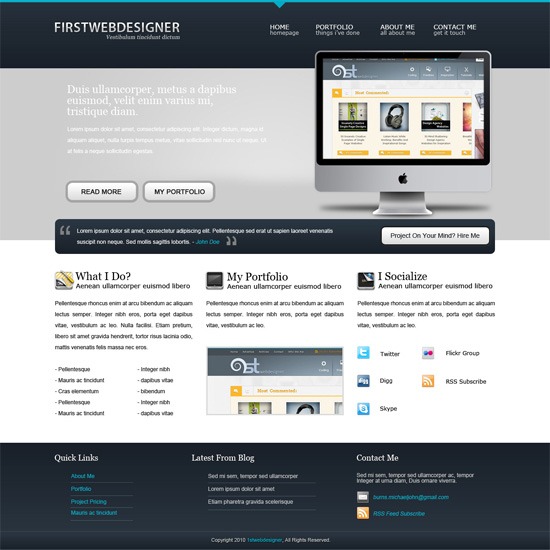
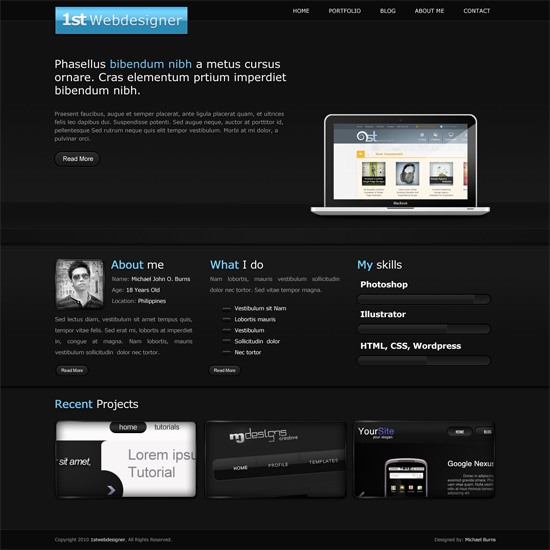
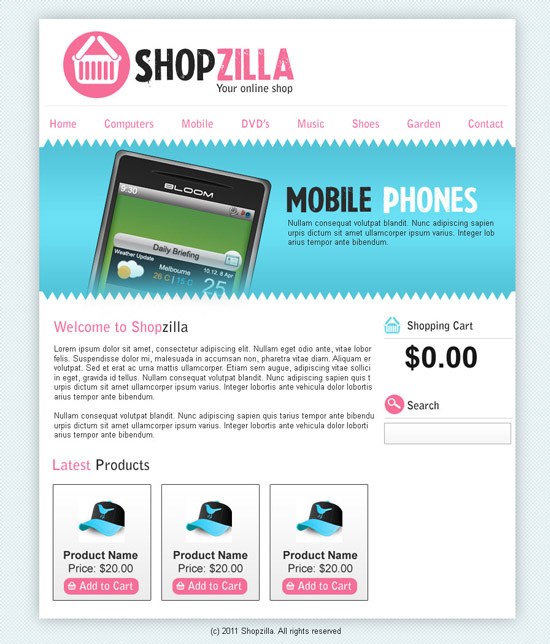
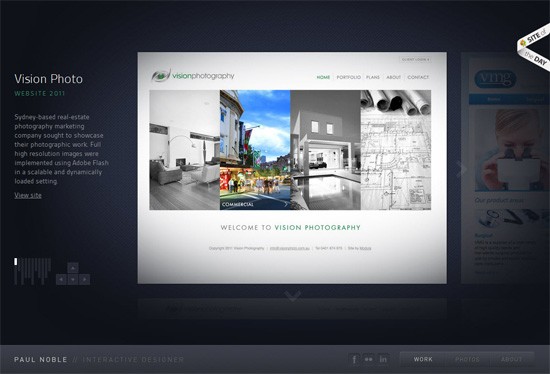
This collection of tutorials features top-notch techniques on how to create web design layouts using Photoshop.

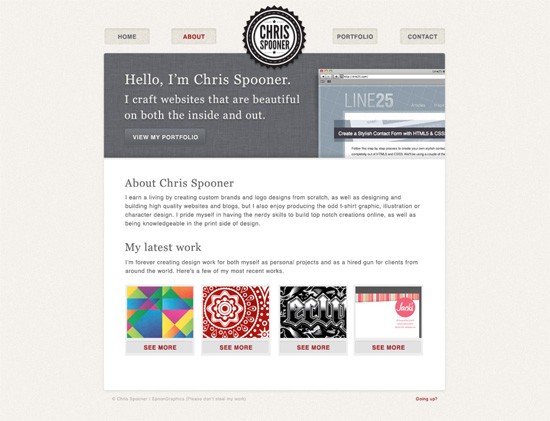
1. Clean Style Portfolio Layout

A step-by-step Photoshop web design layout tutorial using basic techniques.
Clean Style Portfolio Layout

2. Clean Blog Layout in Photoshop

Learn how to make a dark-themed blog design layout in this Photoshop tutorial.
Clean Blog Layout in Photoshop

3. Create a Portfolio Web Layout in Photoshop

Discover how to use patterns in website layouts through this Photoshop tutorial.
Create a Portfolio Web Layout in Photoshop

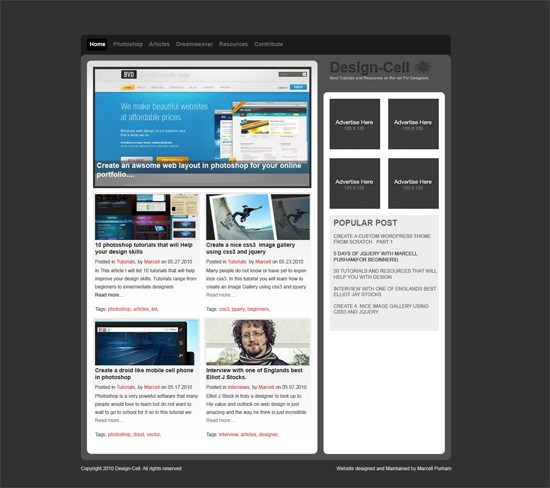
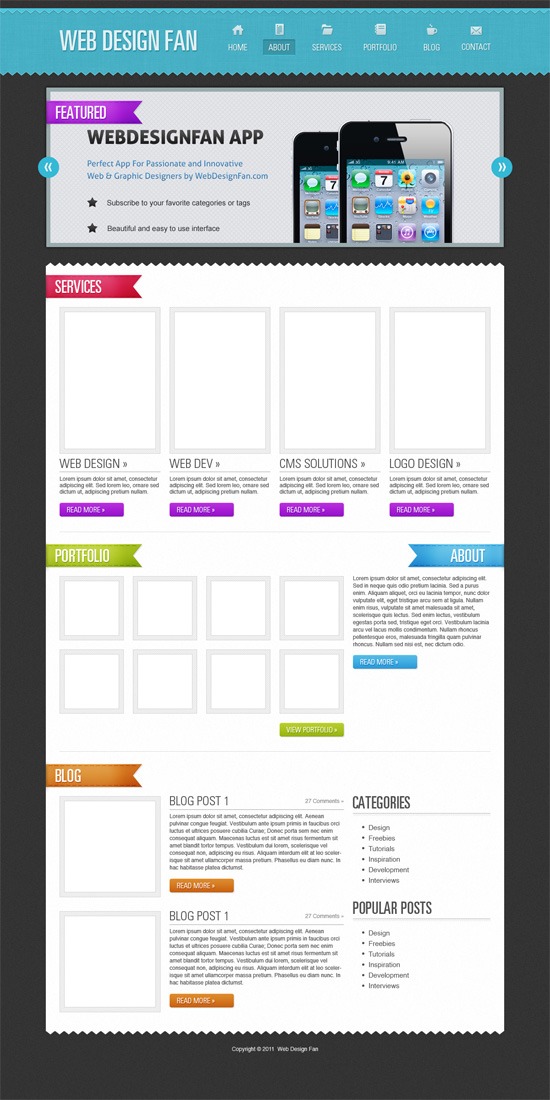
4. How to Make a Vibrant Portfolio Web Design in Photoshop

This Photoshop tutorial uses 960 Grid System for laying out the web page.
How to Make a Vibrant Portfolio Web Design in Photoshop

5. Create an Elegant Photography Web Layout in Photoshop

This simple tutorial shows you how to apply background textures in your web designs.
Create an Elegant Photography Web Layout in Photoshop

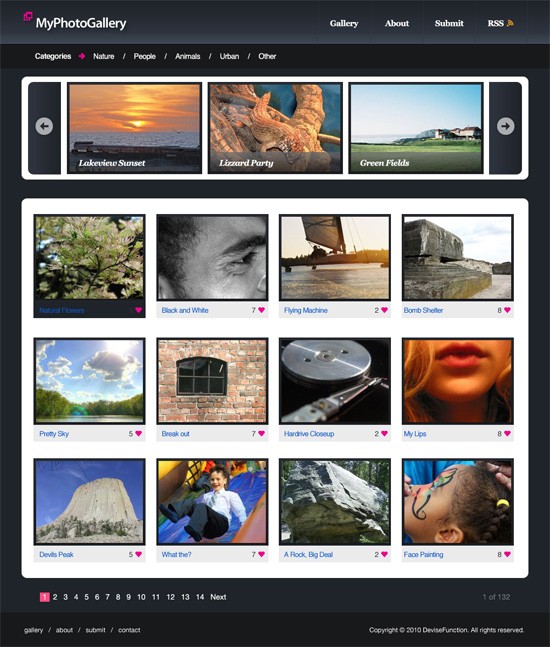
6. Photo Gallery Website Layout in Photoshop

Learn to make a dark-themed photo gallery via this excellent Photoshop tutorial.
Photo Gallery Website Layout in Photoshop

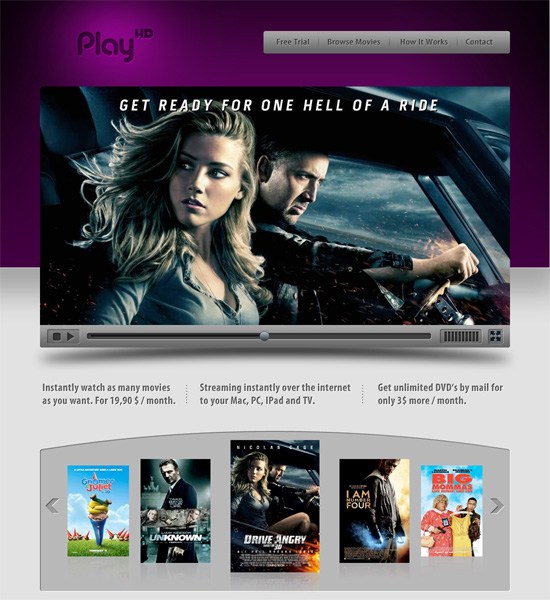
7. Create a Movie Video Streaming Website

In this Photoshop tutorial, you’ll use layer styles to create great web design elements.
Create a Movie Video Streaming Website

8. How to Build a Stylish Portfolio Web Design Concept

Learn techniques for creating elegant web designs in Photoshop through this tutorial.
How to Build a Stylish Portfolio Web Design Concept

9. Create a Modern Lab Theme Web Design in Photoshop

This tutorial will show you design techniques for making slick web layouts.
Create a Modern Lab Theme Web Design in Photoshop

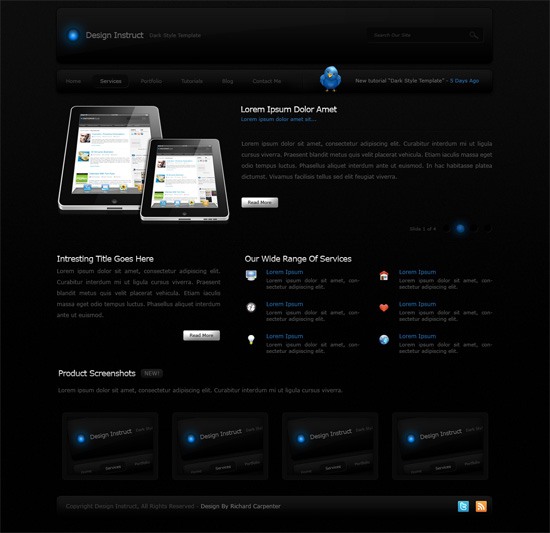
10. Create an Extremely Simple Dark Web Design in Photoshop

In this tutorial, you’ll learn plenty of techniques such as how to make a web button.

11. How to Create a Sleek Grid Based Website Design

From paper to Photoshop, learn how to lay out a web design on a grid.
How to Create a Sleek Grid Based Website Design

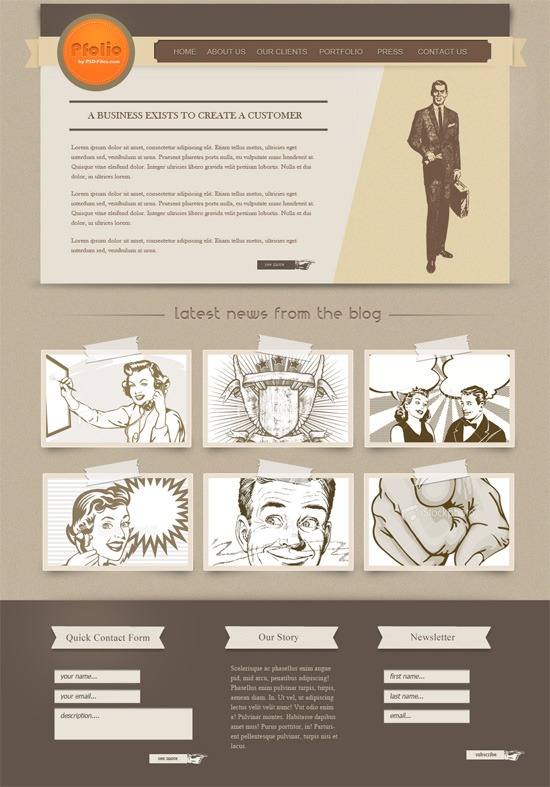
12. How to Create a Vintage Photoshop Website Layout

Make a stylish vintage-themed design by reading this awesome Photoshop tutorial.
How to Create a Vintage Photoshop Website Layout

13. Create a Simple Clean Portfolio Layout in Photoshop

This Photoshop layout tutorial is perfect for portfolio sites as well as web app sites.
Create a Simple Clean Portfolio Layout in Photoshop

14. 3D Portfolio Dark Layout in Photoshop

You’ll use Photoshop guides, layer styles and more in this web design tutorial.
3D Portfolio Dark Layout in Photoshop

15. Design a Clean and Colorful Ecommerce Layout in Photoshop

This tutorial will walk you through the creation of an e-store product page design.
Design a Clean and Colorful Ecommerce Layout in Photoshop

16. Design an Innovative Portfolio Site Using Alternative UI/UX

This tutorial shows you the creation of a web page that has a unique user interface.
Design an Innovative Portfolio Site Using Alternative UI/UX

17. Design a Sleek Mobile App Website

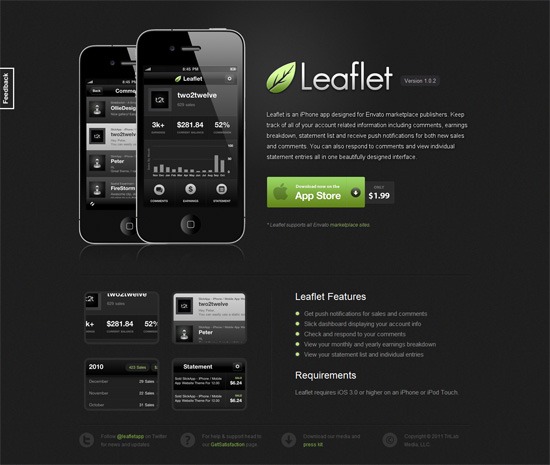
Create a simple dark-themed web design layout using basic Photoshop techniques.
Design a Sleek Mobile App Website

18. Design a Warm, Cheerful Website Interface in Adobe Photoshop

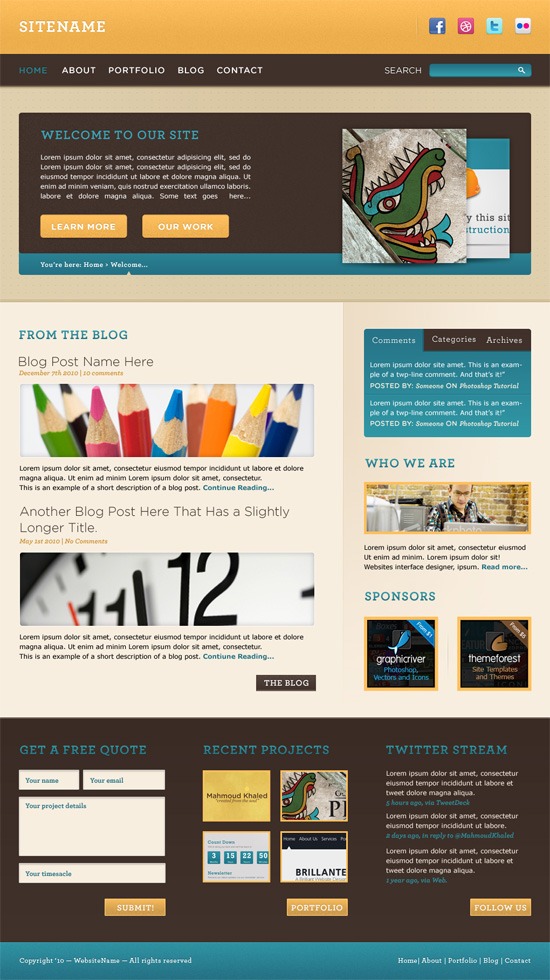
This superb web layout tutorial has a PSD to HTML conversion follow-up.
Design a Warm, Cheerful Website Interface in Adobe Photoshop

19. Impressive Videographer Website Portfolio Layout in Photoshop

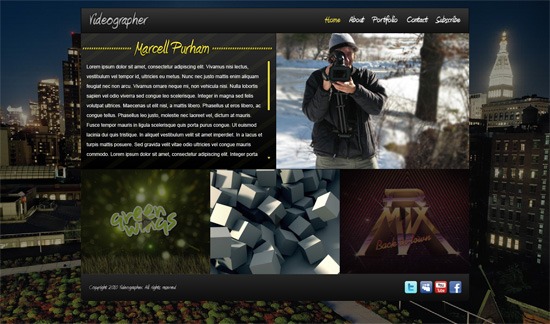
In this tutorial, you’ll use the Custom Shape Tool to make a background pattern.
Impressive Videographer Website Portfolio Layout in Photoshop

20. How to Create a WordPress Theme in Photoshop

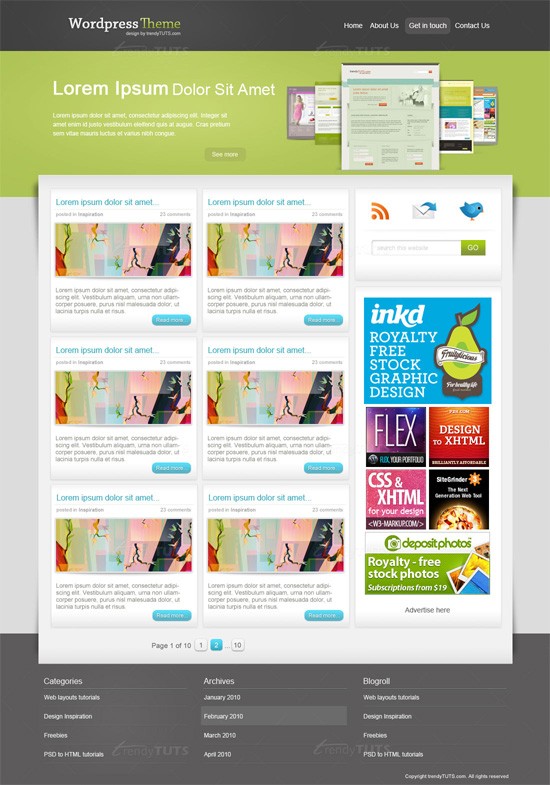
Learn to make a simple blog layout using Photoshop.
How to Create a WordPress Theme in Photoshop

21. Design a Bold and Vibrant Portfolio

This web layout tutorial walks you through the creation of a colorful portfolio site.
Design a Bold and Vibrant Portfolio

22. Create an Elegant Patterned Web Design in Photoshop

Among the things you’ll learn in this tutorial is the creation of Photoshop patterns.
Create an Elegant Patterned Web Design in Photoshop

23. Design a Clean Corporate Website Layout

Learn how to incorporate stock photos in your website layout’s header in this tutorial.
Design a Clean Corporate Website Layout

24. How to Create a Colorful Business Web Layout

This Photoshop tutorial will demonstrate how to incorporate icons in your web designs.

25. Design a Textured "Coming Soon" Web Page in Photoshop

Learn to make a simple web design with beautiful textures in this Photoshop tutorial.
Design a Textured "Coming Soon" Web Page in Photoshop

Related Content

Continue reading →
Friday, 15 February 2013

70 High Quality Free Web Templates and Layouts

0 comments
In terms of creating a website (corporate or personal) it don’t have to be coded from scratch anymore. That means you probably don’t have to start from a blank .PHP, .CSS or .HTML document. Thanks to many kind and generous designers / developers, high quality web templates are distributed freely over the Internet.
free web html/css templates
Even if you are not too familiar with web designing, you too can have a professionally looking website. All you need to do is find a suitable template, tweak the designs and styles, pump in your contents. There are tonnes of templates sites out there, that makes searching for a free yet high quality templates hard and tedious, so we attempted to collect and showcase you some of really good ones. Here, we proudly present 60 High Quality Free Web Templates and Layouts, a great reference for anyone who wants to create a website, even it’s just a small one.
While you are at it, here are some design related articles you might be interested:
Full list after jump.

Greefies
This is a template that uses no tables, css and HTML only.
Demo | Download

Beauty co
Demo | Download

Beez design
Demo | Download

Compressed v2
A three-column, fixed-width template fit for 1024×768 screen resolutions.
Demo | Download

Jet 30 v2
Jet 30 is a free, tableless, W3C-compliant web design layout by Template World.
Demo | Download

Individual v2
Individual is a free, tableless, W3C-compliant web design layout by.
Demo | Download

Redish
Demo | Download

Facing
Demo | Download

Update
Demo | Download

Temper
Demo | Download

RS11
XHTML 1.0 Strict, CSS 2.0, No Javascript
Demo | Download

Imagination
Demo | Download

Stylish
Demo | Download

Simple Life 2.0
Demo | Download

Green House
The Green House is a free template from Free CSS Templates released under a Creative Commons Attribution 2.5 License.
Demo | Download

Snowglass 1.0
A free, fully standards-compliant CSS template designed by NodeThirtyThree for Free CSS Templates.
Demo | Download

Nightvision
Demo | Download

Glazed
Demo | Download

FrozenAge
Demo | Download

Earthling
Demo | Download

Keep It Simple
A grid-based, minimalist website template. Ideal for news websites and blogs with lots of contents.
Demo | Download

Vectorlover
A modern and stylish theme design which uses a combination of brown, green and gray colors. Has a fixed width and two-column layout. Ideal for personal and small websites.
Demo | Download

UrbanArtist
A light on dark template. Has a fixed width, two columns layout. The design is a combination of a dark background and bright colored text and headers.
Demo | Download

Techjunkie
Features a clean and modern design. Ideal for blogs and small websites. It has a 2 columns, fixed-width layout and uses a combination of blue, light green and muted colors.
Demo | Download

Unbound 1.0
A three-columns, fixed width CSS template suitable for blogs and news sites. It features a nice, clean design with an image header that can be easily replaced or modified.
Demo | Download

Colourise
Colourise 1.0 is a free, W3C-compliant, CSS-based website template by styleshout.com.
Demo | Download

Freshmedia
This website template features a simple and clean design. Has a two column layout and uses a combination of cool and muted colors
Demo | Download

EliteCircle
A fixed width, 2 column layout. This template features a simple, clean and classy design
Demo | Download

New Horizon
Fixed width, 2-column website template. A light on dark theme design with a nice colorful image header.
Demo | Download

Watch This
Demo | Download

Conceptnova
Demo | Download

Small Corporation
Demo | Download

Web Application
Demo | Download

Internet Studio
Demo | Download

Internet Corporation
Demo | Download

Internet Music
Demo | Download

Internet Market
Demo | Download

Organic Design
Demo | Download

New York Magazine
Demo | Download

Environmental Brand Design
Demo | Download

Eco Business
Demo | Download

The Autumn
Free web templates from kohout. See also Winter, Summer
Demo | Download

Green Web
Yet another free, tableless, W3C-compliant web design layout by Template World.
Demo | Download

Breaking On Top
Demo | Download

Apple Web
Demo | Download

Wallpaper Medialab
Demo | Download

The Watch Shop
Demo | Download

My Personal Page
Demo | Download

Squick Design
This is a web template, featuring 3 separate pages: Home, contact and portfolio.
Demo | Download

Surreal
Demo | Download

Colorus
Demo | Download

Clicker
Demo | Download

PG Photo Gallery
PG Photo Gallery also comes in black color.
Demo | Download

Organic Beauty
Demo | Download

News Portal
Demo | Download

Electronix
Demo | Download

BuBlue
Demo | Download

HarvestField 1.0
A fixed width, two column, W3C compliant layout. Has a nice-looking design that uses natural earthy colors.
Demo | Download

Brightsideoflife
Demo | Download

Coolwater
A simple and clean design. Uses a combination of light blue and green colors. Has a fixed width, two-columns Layout.
Demo | Download
Continue reading →